Freelancer · Landing Pages · Portfolio
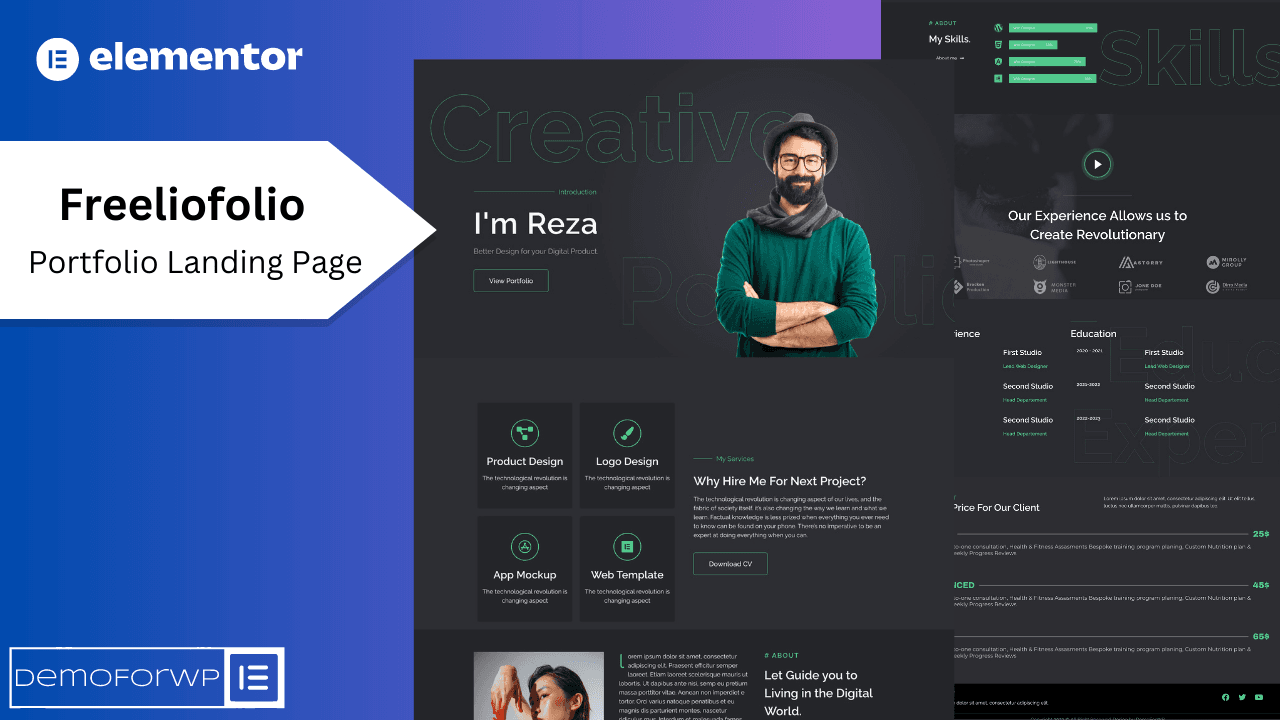
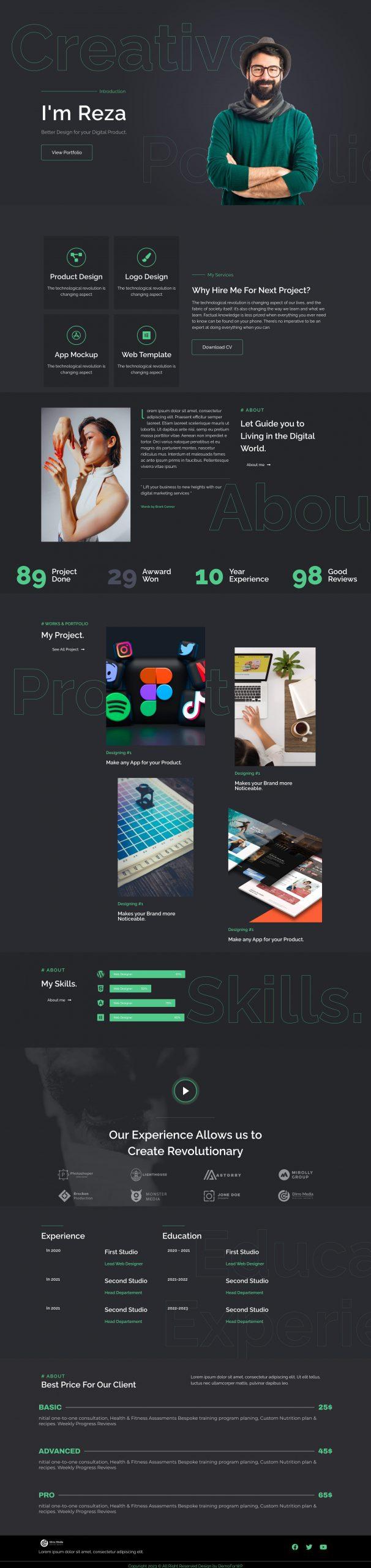
Freeliofolio – Creative Portfolio Elementor Landing Page Template
A sleek portfolio landing page built to turn visitors into clients.
$15.99$7.99
Full preview Strong, fit, unstoppable — a bold kit for gyms, studios and trainers.
 Hover to scroll the full page
Gymo is an Elementor Pro Template Kit specially designed for gyms, fitness studios and personal trainers! It has a bold, high-energy design with a 100% fully responsive layout, easy installation, and is very easy to customize because it uses Elementor — you don't need a single line of code.
This Template Kit contains page content for creating Elementor pages and has been optimized for the free “Hello Elementor” theme.
Already purchased and have a question? Our support team will be more than glad to help you out.
A sleek portfolio landing page built to turn visitors into clients.


Streamline your success — a conversion-first landing page for SaaS.
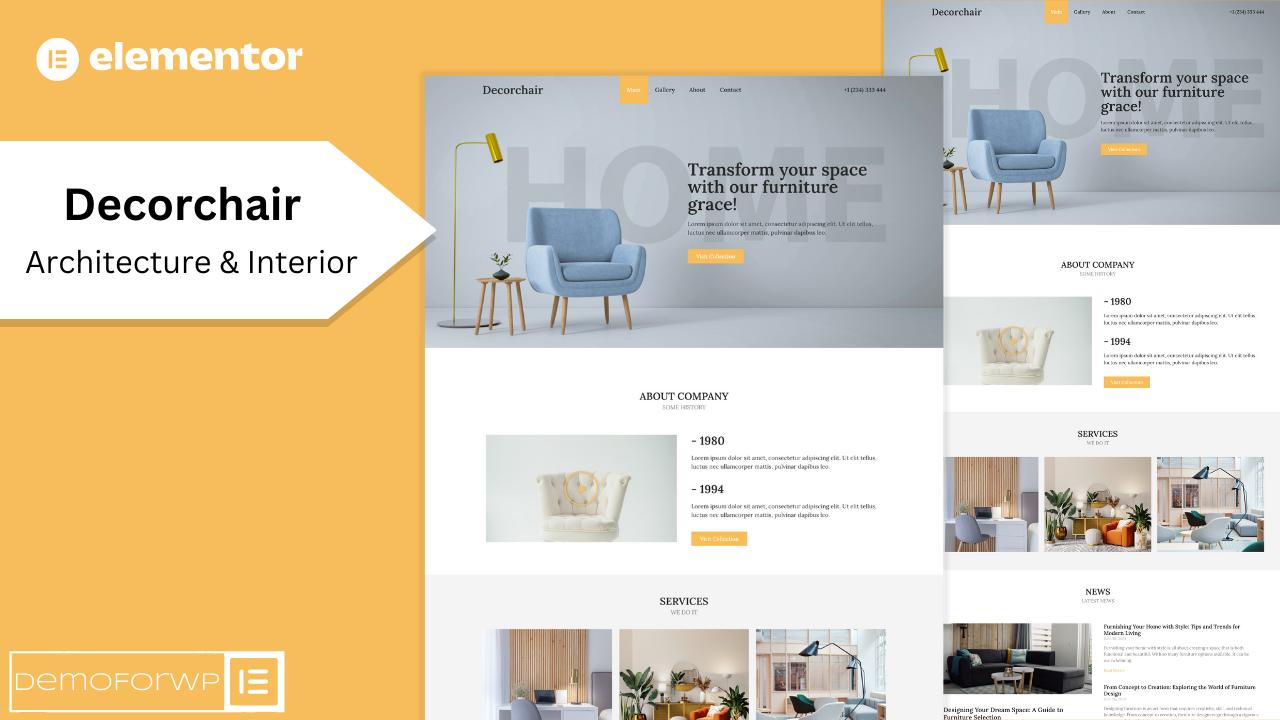
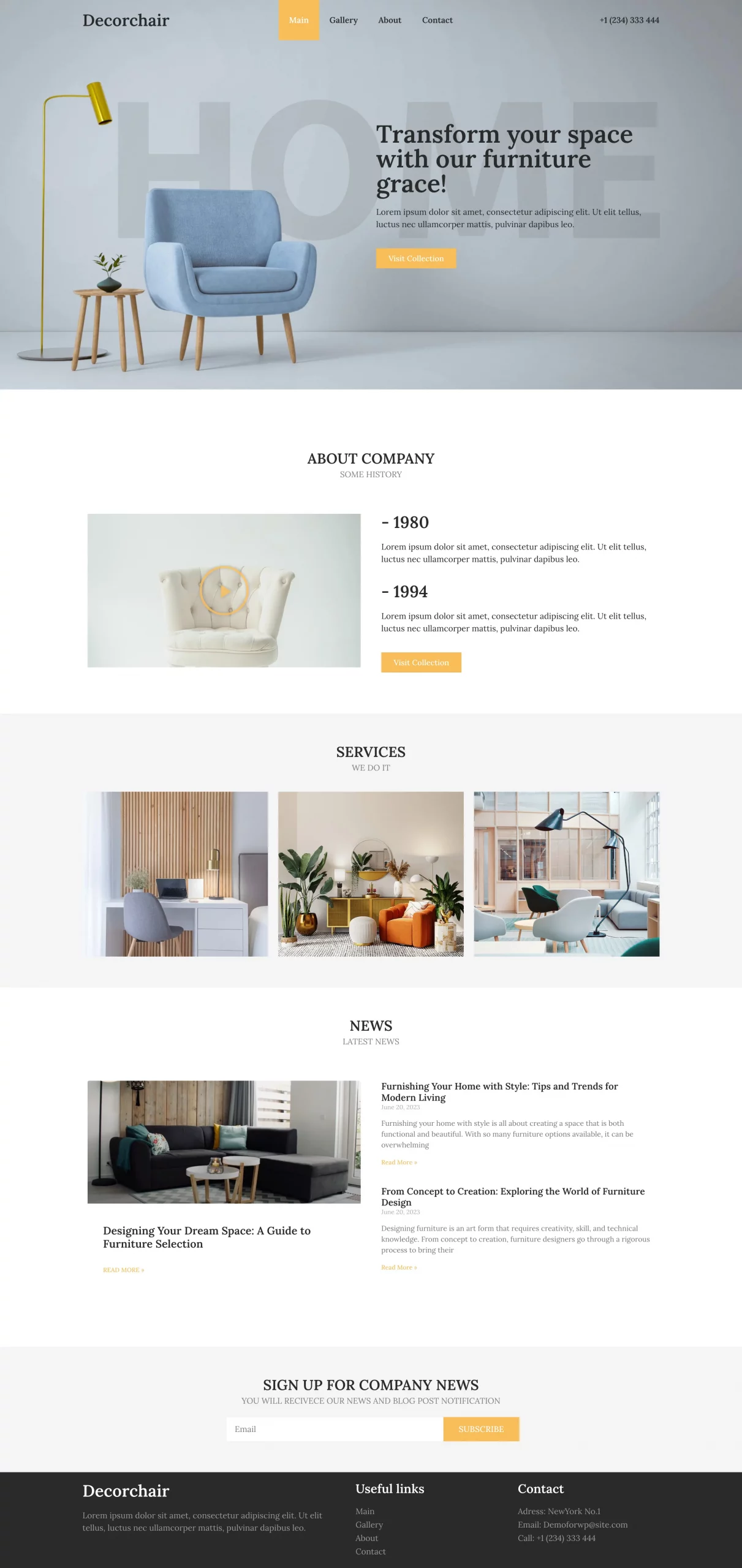
Transform your space — an elegant kit for furniture & interior brands.