
Business · Service · Sport & Fitness
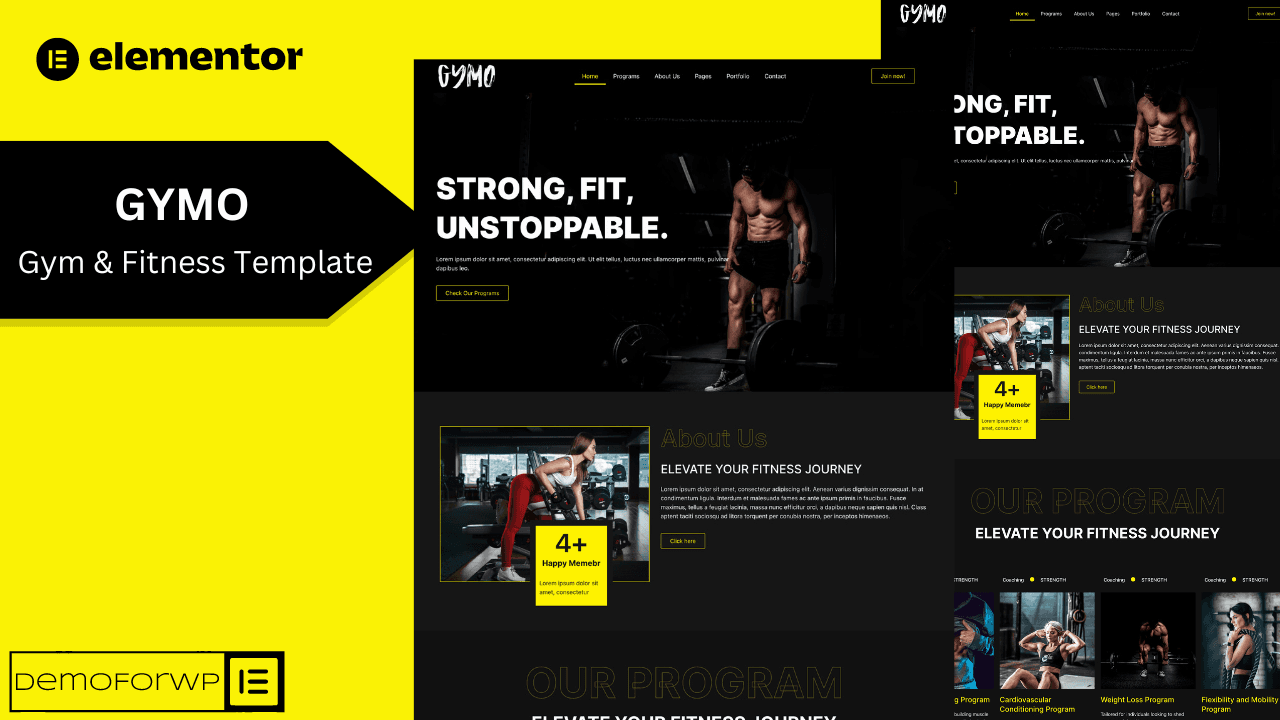
Gymo – Fitness & Gym Elementor Template Kit
Strong, fit, unstoppable — a bold kit for gyms, studios and trainers.
$20.00$14.99
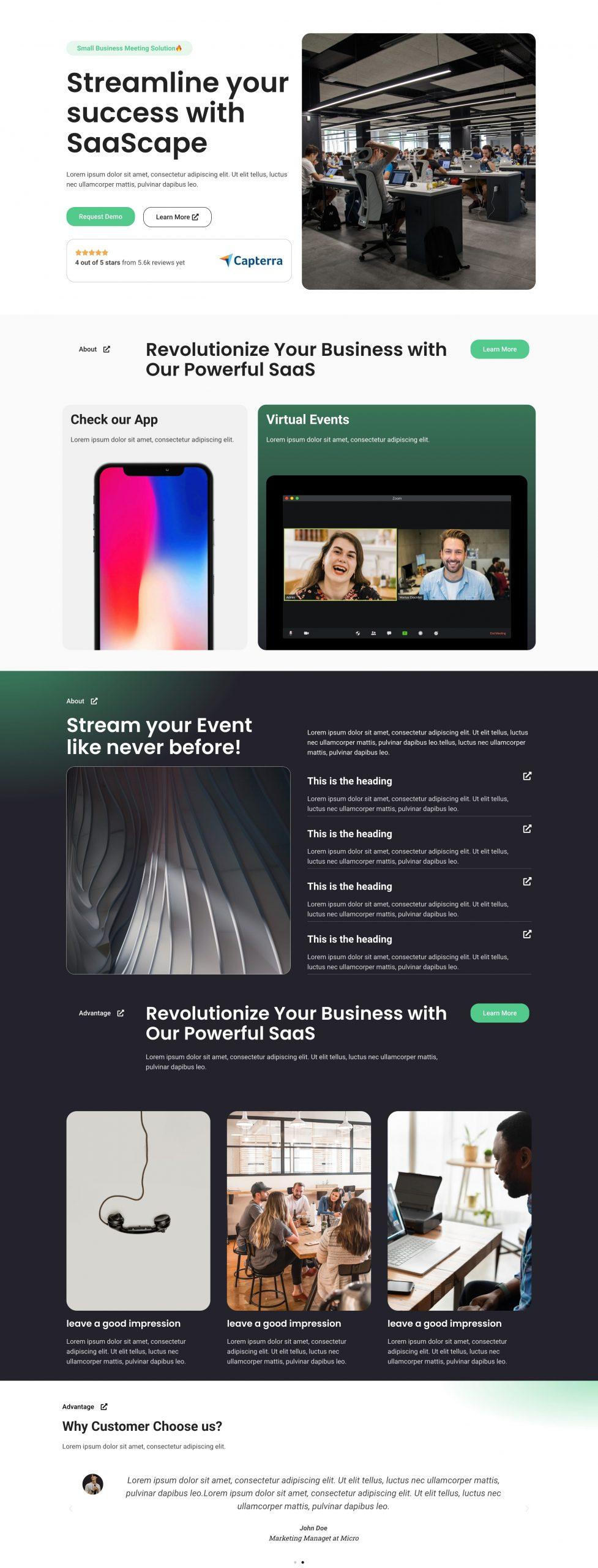
Full preview Streamline your success — a conversion-first landing page for SaaS.
 Hover to scroll the full page
An Elementor-built landing page designed specifically for SaaS companies — the perfect way to showcase your software and attract new customers.
With a sleek, modern design it is fully customizable to your brand's style and messaging, featuring a clear value proposition that shows how your product solves your customers' pain points.
The layout is optimized for conversion, with a prominent call-to-action that directs visitors to sign up. It's mobile-responsive and looks great on any device.
It also includes the essentials for SaaS: social proof elements like customer testimonials and case studies, plus an FAQ section to answer questions before they're asked.
Strong, fit, unstoppable — a bold kit for gyms, studios and trainers.
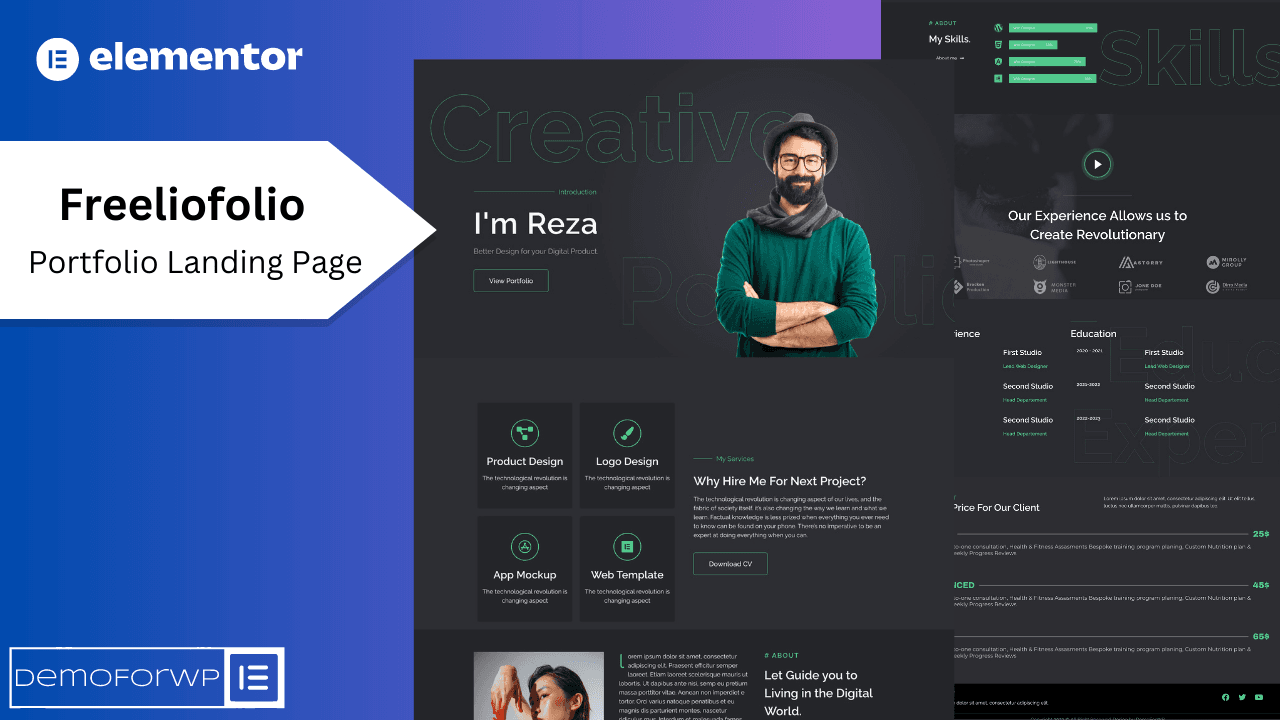
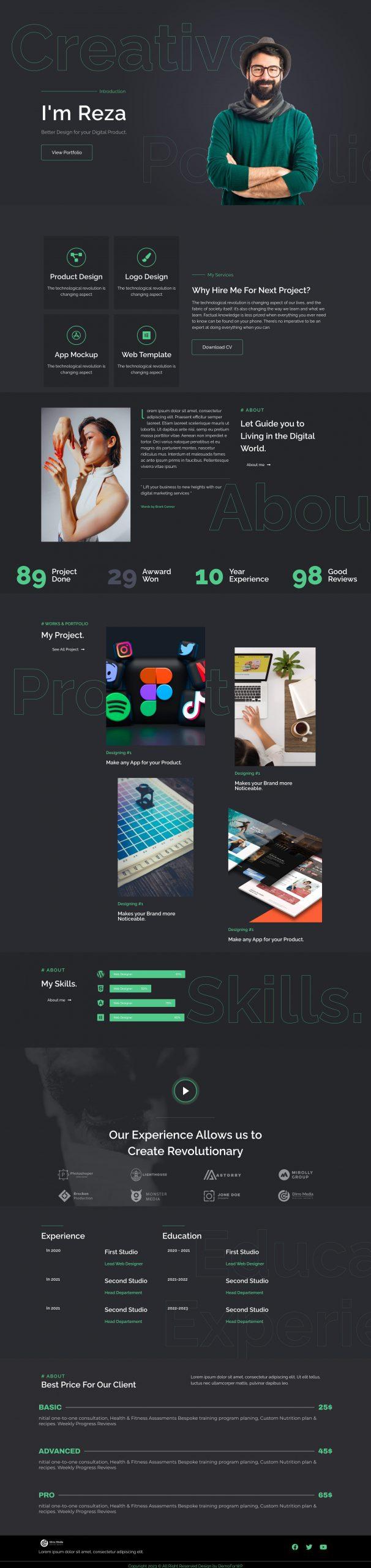
A sleek portfolio landing page built to turn visitors into clients.
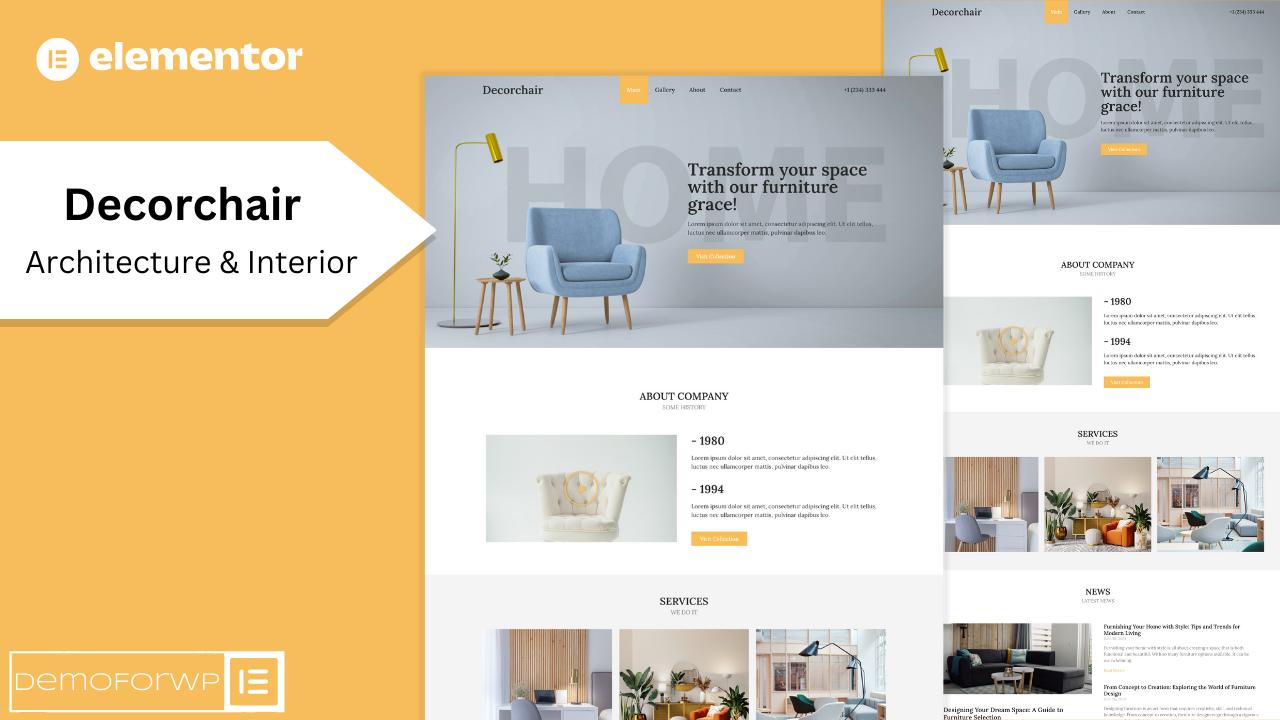
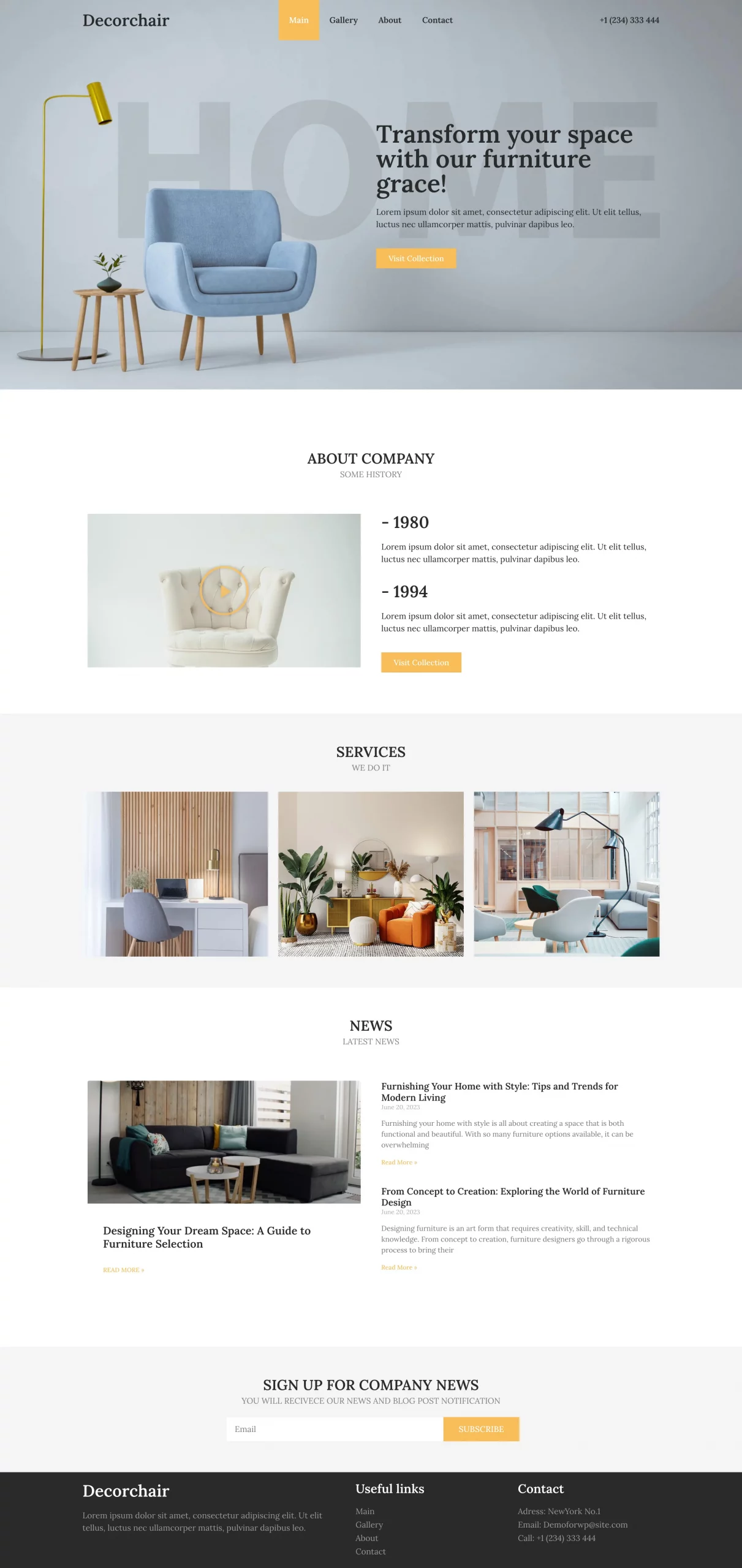
Transform your space — an elegant kit for furniture & interior brands.